How to Make Digital Products on Canva to Sell for Real Money (Not Just Pretty PDFs)
Selling digital products on Canva isn’t about better fonts or trends. It’s about solving one real problem clearly. This guide shows how to do that—step by step, without pressure.
DIGITAL PRODUCTS
Veronica from Buildandselldigitalshop
1/1/20266 min read
How to Make Digital Products on Canva to Sell for Real Money
(Not Just Pretty PDFs)
Let’s get something straight right out of the gate.
If you’ve made a Canva product that looks amazing—but hasn’t sold a single copy—you’re not broken, Canva isn’t “oversaturated,” and the universe is not conspiring against you.
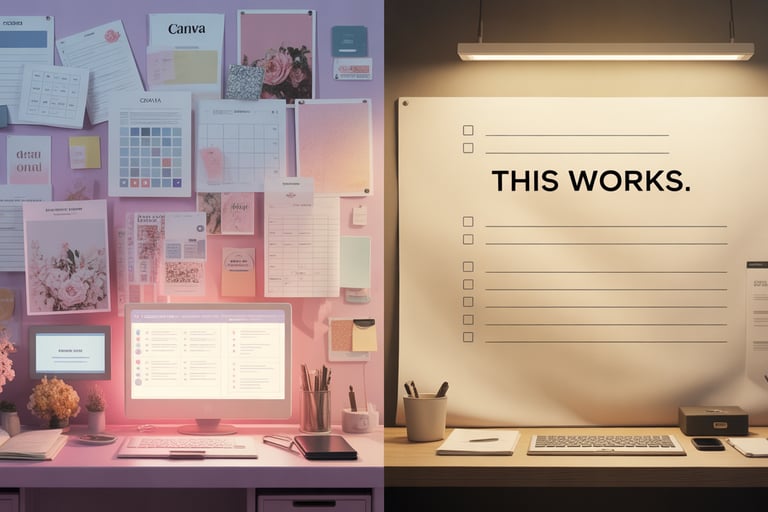
What is happening is way less dramatic…and way more fixable.
Most people aren’t failing at digital products. They’re just building the wrong thing first. And Canva, bless its drag-and-drop heart, makes it very easy to do that.
This isn’t another “make passive income while you sleep on a beach” article. This is about turning Canva into something useful. Something profitable. Something that earns actual money—not just compliments and saves.
The Truth About Selling Digital Products on Canva
There’s a reason so many Canva creators quietly disappear after a few launches. It’s not lack of talent. It’s not lack of effort.
It’s misunderstanding the assignment.

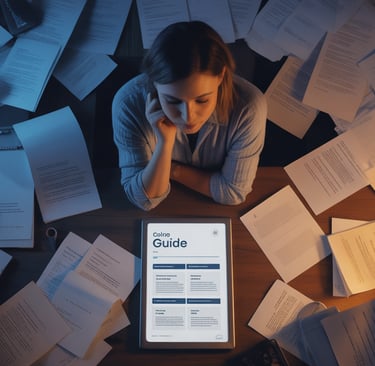
Why Most Canva Products Never Sell
Most Canva products fail for one very unsexy reason:
They were designed before they were needed.
People open Canva and ask:
“What should I make?”
“What’s trending?”
“What would look cute in my shop?”
Which sounds logical. It feels productive. It is…not how buyers think.
Buyers don’t wake up wanting a planner, a workbook, or a worksheet. They wake up annoyed. Stuck. Behind. Confused. Over it.
If your product doesn’t meet them there, the design doesn’t matter. At all.
That’s why you’ll see:
Gorgeous planners with zero sales
One-page checklists quietly paying rent
The market doesn’t reward effort. It rewards usefulness.
The Difference Between a Design and a Product
This is the line almost no one draws—and it changes everything.
A design looks good.
A product does something.
A Canva page becomes a product when it helps someone:
Decide faster
Stop guessing
Finish something they’ve been avoiding
A worksheet on its own is just paper.
A worksheet that gets someone unstuck? That’s value.
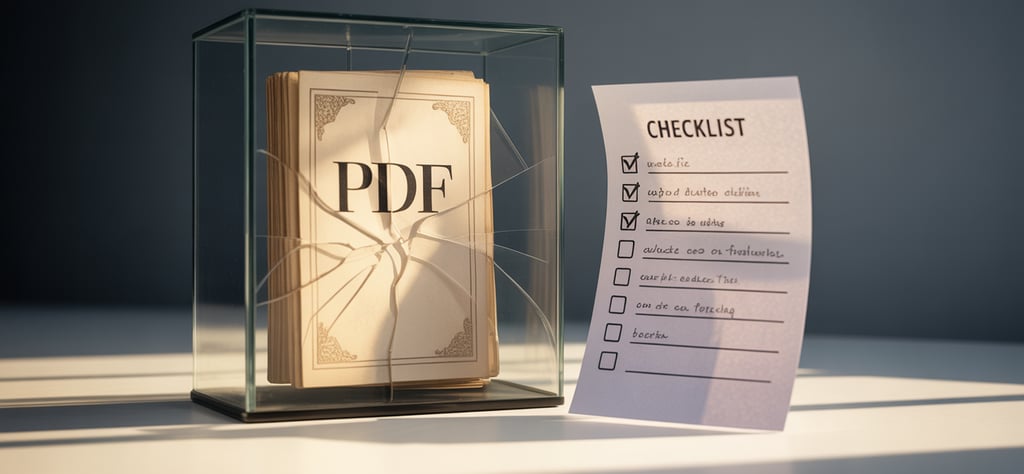
Design supports the product. It is not the product. If you remember nothing else, remember that.
What Buyers Are Actually Paying For
Here’s what people are not paying for:
Your creativity
Your color palette
Your time spent tweaking margins
They’re paying for:
Relief (“Oh thank god, this makes sense.”)
Speed (“This saves me hours.”)
Confidence (“I know what to do now.”)
If your Canva product delivers one of those clearly and quickly, it can sell—even if it’s visually simple. Especially if it’s visually simple.
Profitable Digital Product Types You Can Build in Canva
This is where things start to feel less mysterious and more…repeatable.
Products That Solve One Annoying Problem
The most reliable Canva products don’t try to change lives. They try to fix one specific irritation.
Think small. Smaller than you think.
Examples:
“I don’t know where to start.”
“I keep forgetting this one thing.”
“I need a simple way to organize this mess.”


Impulse buys don’t happen because someone had a spiritual awakening.
They happen because:
The price feels safe
The problem feels familiar
The solution feels immediate
Canva is perfect for:
Checklists
Swipe files
Mini planners
Templates with clear instructions
These sell because they reduce friction right now. Not someday. Not “after I overhaul my life.” Now.
Evergreen vs. Trend-Based Canva Products
Both can work. They just serve different moods.
Evergreen products:
Solve ongoing problems
Sell quietly and consistently
Don’t require constant hype
Trend-based products:
Spike fast
Burn out fast
Require constant attention
If you’re building your first real income stream, evergreen wins every time. You want proof, not adrenaline.
Designing Canva Products That Convert
Once the idea is solid, design becomes a helper—not the main character.
Buyer Psychology and Visual Hierarchy
Good design doesn’t shout. It guides.
A converting Canva product:
Makes the next step obvious
Reduces thinking
Feels calm instead of crowded
Clear headings. Plenty of white space. One main action per page.
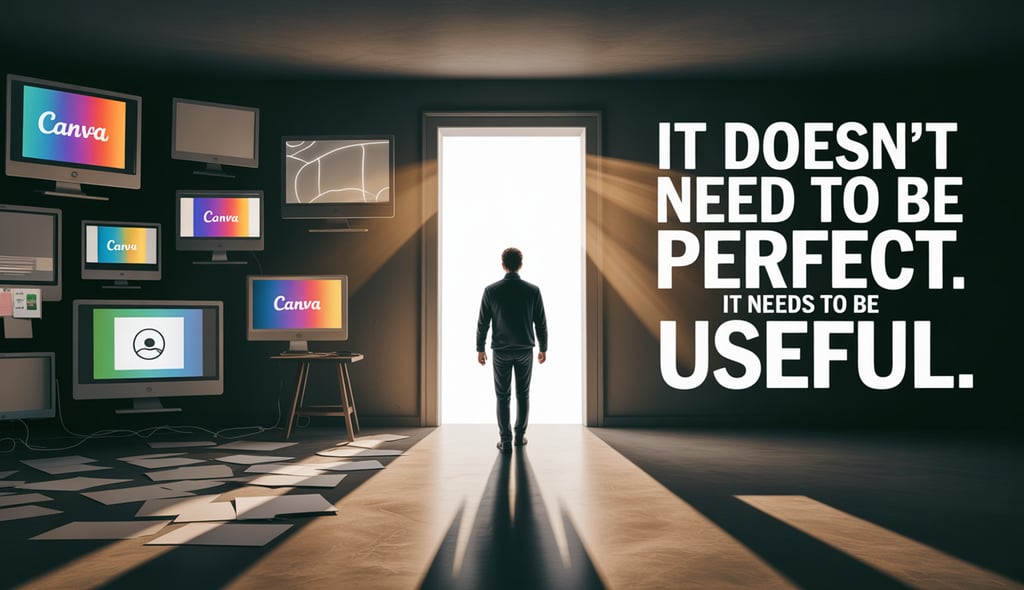
If someone has to figure out how to use it, they won’t.
Simplicity Beats Fancy (Every Time)
This is where a lot of creators accidentally self-sabotage.
They over-design because they’re nervous. Because simple feels risky. Because fancy feels safer.
But buyers read complexity as work.
Too many elements = overwhelming
Too many colors = confusing
Too many pages = “I’ll do this later” (which means never)
Your goal isn’t to impress.
Your goal is to make someone think, “Oh. I can handle this.”
Using Templates Without Looking Generic
Yes, you can use Canva templates. No, that’s not cheating.
What makes something feel generic isn’t the layout—it’s the lack of context.
You stand out by:
Naming the outcome clearly
Writing instructions like a human, not a robot
Framing the product around a specific situation
Most buyers don’t want originality. They want something that feels familiar, safe, and easy to use.
How to Sell Canva Products Without Feeling Salesy
Selling doesn’t have to feel like putting on a performance.
It works best when it feels like explaining something useful to someone who already wants help.
SEO-Driven Listings vs. Social Media Hype
Social media sells vibes.
Search sells intent.
When someone types
“how to make digital products on Canva to sell”
they’re not browsing. They’re looking for answers.
SEO-driven content and listings:
Catch buyers mid-decision
Don’t require constant posting
Work quietly in the background
That’s why the “boring” listings often outperform the flashy ones.
Low-Pressure Launch Methods
You do not need a countdown, a challenge, or a perfectly curated feed.
Low-pressure works:
List it first
Mention it naturally
Let real feedback guide the next move
The goal isn’t noise. It’s clarity.
Validation Before You Build More
This is where real money starts to show up.
Before making your next product, ask:
Did anyone buy this?
Where did they hesitate?
What did they ask for next?
One validated Canva product beats ten untested ideas every single time.
Scaling What Works (Without Burnout)
Once something sells, your job shifts.
You stop guessing and start building on purpose.
Turning One Canva Product Into a Bundle
Bundles don’t require new ideas. They require organization.
Stack related tools around the same problem:
Step 1 → Step 2 → Step 3
Before → During → After
Same audience. Same pain point. Higher value.
Repurposing Designs Across Niches
If a structure works once, it will likely work again.
Change:
The audience
The examples
The language
Keep:
The framework
The flow
The outcome
That’s not cutting corners. That’s working smart.
When to Stop Tweaking and Start Selling
Here’s the rule that makes people uncomfortable:
If it solves a real problem and explains the outcome clearly, it’s ready.
Perfection is usually just fear wearing better fonts.
FAQs (The Stuff You’re Probably Thinking)
“Can people really make money with Canva products?”
Yes—when Canva is the delivery tool, not the value.
“Do I need design skills?”
No. Clear beats clever. Always.
“How many products do I need?”
One that works beats a library that doesn’t.
Products / Tools / Resources
If you want to go deeper without drowning in hustle culture, these are genuinely useful:
Canva (Free or Pro) – For building clean, usable products quickly
Etsy or Gumroad – Simple platforms for testing demand
Google Docs or Notion – For outlining products before designing
Keyword tools (even basic ones) – To understand what buyers are already searching for
A simple offer-building or product-packaging toolkit – Especially if you tend to overthink and stall
The goal isn’t to create more.
It’s to create on purpose.